Bcengi App Device Compatibility and Technical Limits in Egypt
10/3/2026
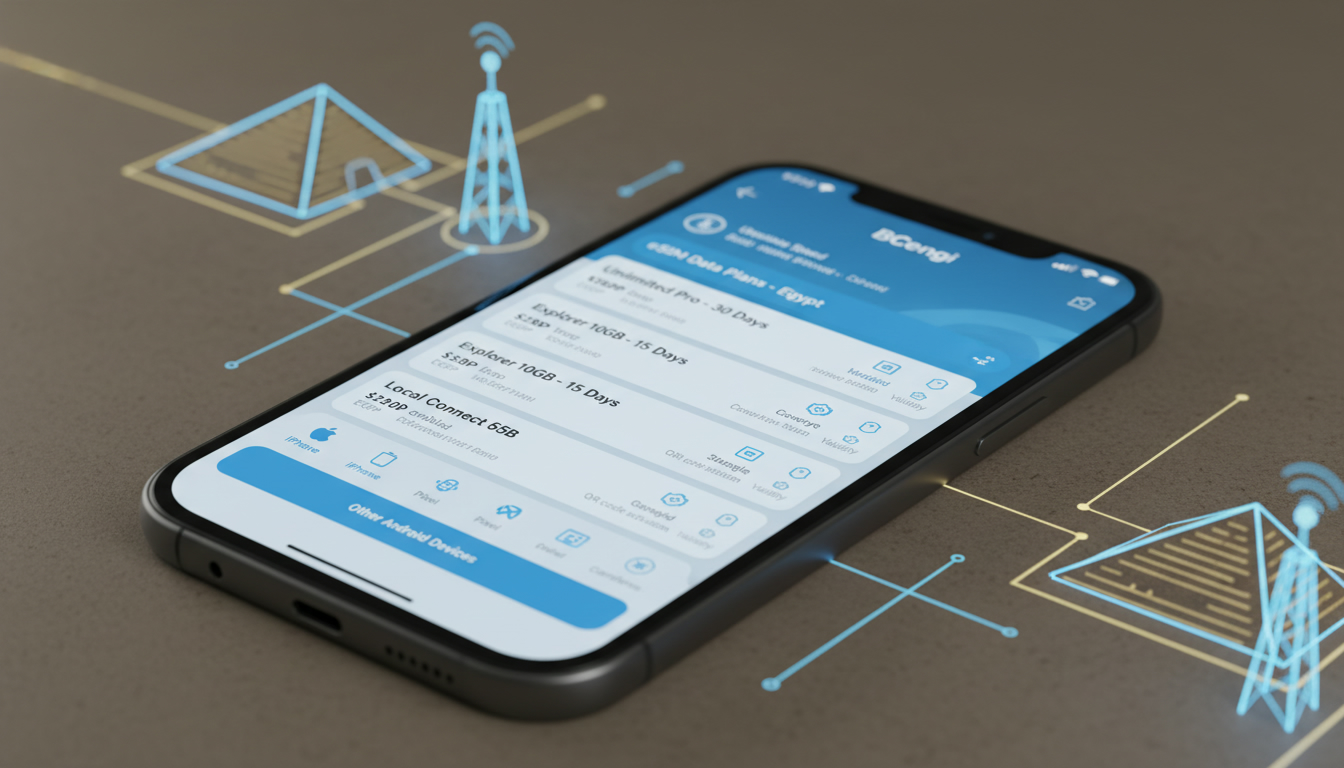
Understanding BCengi App Compatibility: Devices and Technical Limits
If you’re considering the BCengi app for managing eSIM data plans in Egypt, the first question is: which devices does it support, and what technical limitations should you expect? The BCengi app is designed primarily for travelers and locals who want to manage their eSIM connectivity efficiently.
However, compatibility varies significantly depending on your phone model, operating system version, and the eSIM hardware capabilities embedded in your device.
I always start by checking the device’s eSIM support because the BCengi app relies on the device’s native eSIM functionality. Without that, the app cannot activate or manage data plans.
This article dives into the specifics of device compatibility and technical constraints you need to know before downloading or relying on BCengi.
Which Devices Are Compatible with the BCengi App?
The BCengi app works exclusively on smartphones that support eSIM technology natively. This means:
- iPhones from iPhone XS and newer: Apple introduced eSIM support starting with the iPhone XS, XS Max, and XR models. All subsequent iPhones (including iPhone 11, 12, 13, 14 series) support multiple eSIM profiles managed through iOS.
- Select Android devices with eSIM hardware: Not all Android phones have eSIM chips enabled. Models like Google Pixel 3 and newer, Samsung Galaxy S20 and later, and some Motorola Razr models are compatible. However, Android’s eSIM implementation varies by manufacturer and carrier restrictions.
- Tablets with eSIM: Some iPads (starting with iPad Pro 2018) also support eSIM profiles but may have limited app compatibility.
Operating System Requirements
The BCengi app requires a minimum OS version to function properly:
- iOS 14 or later: Because Apple enhanced eSIM management features starting in iOS 14.
- Android 10 or later: Android’s official eSIM framework was introduced in Android 10 (API level 29). Devices running earlier versions cannot use BCengi for eSIM management.
If your device runs an older OS or lacks native eSIM support, the app will not be able to provision or manage data plans.
Technical Limitations of the BCengi App
Even if your device supports eSIM and meets OS requirements, there are technical limits to consider when using BCengi:
Single vs. Dual SIM Functionality
Many modern phones offer dual SIM capability with one physical SIM slot plus one eSIM slot. However:
- Condition: When both slots are active simultaneously,
- Mechanism: The phone’s radio hardware switches between SIMs for calls and data,
- Consequence: Some devices restrict simultaneous data connections on both SIMs; activating an eSIM via BCengi may disable data on the physical SIM temporarily.
This means if you rely on a physical SIM for calls or texts while using BCengi’s eSIM for data, you might experience interruptions or need manual toggling.
Profile Management Limits
The GSMA specification SGP.22 governs remote provisioning of eSIM profiles, which BCengi uses to download and install data plans remotely. But:
- Condition: Devices typically allow a limited number of active or stored profiles (often up to 10),
- Mechanism: Each profile occupies secure memory in the embedded SIM chip,
- Consequence: If your device already has many profiles installed, you may need to delete unused ones before adding new plans via BCengi.
This limitation is hardware-specific; some phones have more restrictive profile storage than others.
Network Compatibility Constraints
BCengi offers access to Egyptian mobile networks such as Vodafone Egypt, Orange Egypt, Etisalat (e&), and WE. However:
- Condition: Your device must support the network bands used by these operators,
- Mechanism: The phone’s modem must be compatible with LTE bands like Band 3 (1800 MHz), Band 7 (2600 MHz), Band 20 (800 MHz), commonly used in Egypt,
- Consequence: If your phone lacks these bands or has locked firmware restricting operator access, you may experience poor coverage or inability to connect even after activating an eSIM plan through BCengi.
Checking your device’s supported LTE bands against Egyptian carriers’ frequencies is crucial for reliable service.
How to Use the BCengi App Within These Compatibility Boundaries
Understanding these technical conditions helps avoid frustration when using BCengi. Here’s how I approach it:
Step-by-Step Installation and Activation Process
-
Verify Device Compatibility
Confirm your phone model supports eSIM hardware and runs at least iOS 14 or Android 10. -
Download the BCengi App
The app is available on Apple App Store and Google Play Store under “BCengi.” Make sure you download the official version to avoid security risks. -
Create an Account and Log In
You’ll need to register with a valid email address to manage your profiles securely. -
Select an Egyptian Data Plan
The app offers various local plans from providers like Vodafone Egypt and Orange Egypt. Since BCengi does not publish prices directly in-app, I always cross-check offers on MyBestSim for current rates and promo codes. -
Activate Your Plan via Remote Provisioning
The app downloads an eSIM profile over-the-air using GSMA SGP.22 standards. This process requires a stable internet connection on your primary SIM or Wi-Fi. -
Manage Profiles Carefully
If you hit profile limits, delete old or unused profiles from your phone settings before adding new ones through BCengi.
User Interface Features That Matter
The BCengi app includes features such as daily refill caps—useful if you want to limit data usage for children or budget control—and automatic top-ups that can be configured within set thresholds. These features depend heavily on device OS permissions; for example, Android users may need to grant background data access explicitly for auto-refills to work smoothly.
Common Compatibility Issues and How to Avoid Them
I’d advise against downloading BCengi without first confirming your device’s full compatibility because:
- Attempting activation on unsupported devices leads to error messages without clear guidance.
- Overlooking LTE band compatibility results in poor network performance despite successful profile installation.
- Ignoring profile storage limits causes failed installations without obvious reasons.
One frequent mistake is assuming all Android phones support eSIM equally; many mid-range models lack necessary firmware or carrier support even if they run Android 10+. Another trap is neglecting OS updates—older versions often block remote provisioning protocols required by apps like BCengi.
Where to Find Reliable Support and Updates for BCengi
BCengi maintains active social media channels such as Instagram (@bcengi_esim) where they announce updates about new features like limiting automatic refills per day—a handy tool for parental controls—and occasional bug fixes improving compatibility with newer devices.
For detailed user guides or troubleshooting tips related specifically to Egyptian networks and activation steps, I recommend consulting specialized resources like Egypt eSIM activation guide which provide stepwise instructions tailored for travelers using apps like BCengi in Egypt.
Additionally, user reviews on platforms like Trustpilot show generally positive feedback about customer service responsiveness but highlight occasional delays in profile activation during peak periods—something tied more to network operator load than app design itself.
Summary of Key Compatibility Points
- Devices must have native eSIM hardware; iPhones XS+ and certain Android models qualify.
- Operating systems require at least iOS 14 or Android 10.
- Profile storage is limited by embedded SIM chip memory; manage profiles actively.
- LTE band compatibility with Egyptian carriers affects connectivity quality.
- Dual SIM usage can complicate data routing; expect manual toggling sometimes.
- Remote provisioning follows GSMA SGP.22 standards but demands stable internet during setup.
Understanding these technical factors ensures you get the most out of the BCengi app without wasted time or frustration. For travelers seeking seamless connectivity across Egypt—from Cairo’s urban centers to remote Red Sea resorts—matching device capabilities with app requirements is essential before purchase or download decisions.
For a broader view on managing Egyptian eSIMs across various providers beyond BCengi, check out this comprehensive Egypt eSIM guide that covers activation nuances and provider comparisons tailored for international visitors.
FAQ
Which devices support the BCengi app for eSIM management?
The BCengi app supports iPhones from XS and newer, select Android models like Google Pixel 3+, Samsung Galaxy S20+, and some Motorola Razr phones. Tablets such as iPad Pro 2018 and later also support eSIM but may have limited app compatibility.
What are the minimum OS requirements for the BCengi app?
BCengi requires iOS 14 or later and Android 10 or later to function properly. Older operating systems lack necessary eSIM management features, preventing the app from provisioning or managing data plans.
How does dual SIM functionality affect BCengi app usage?
When using BCengi’s eSIM alongside a physical SIM, some devices may disable data on the physical SIM temporarily. This happens because phones switch radio hardware between SIMs, requiring manual toggling to maintain calls or texts on the physical SIM.
What limitations exist for eSIM profile storage on devices?
Devices typically allow up to 10 active or stored eSIM profiles due to embedded SIM chip memory limits. If you reach this limit, you must delete unused profiles before adding new plans via BCengi.
Why is network band compatibility important for BCengi users in Egypt?
BCengi connects to Egyptian carriers using LTE bands like 3, 7, and 20. If your device lacks support for these bands or has locked firmware, you may experience poor coverage or fail to connect despite activating an eSIM plan.

Omar Hassan
Omar is a travel-tech writer covering North Africa and the Middle East. At Egypt eSIM he tests Vodafone, Orange and Etisalat coverage from Cairo to the Red Sea.