Which Devices Support Esimzon Esims and Technical Limits in 2026
9/26/2026
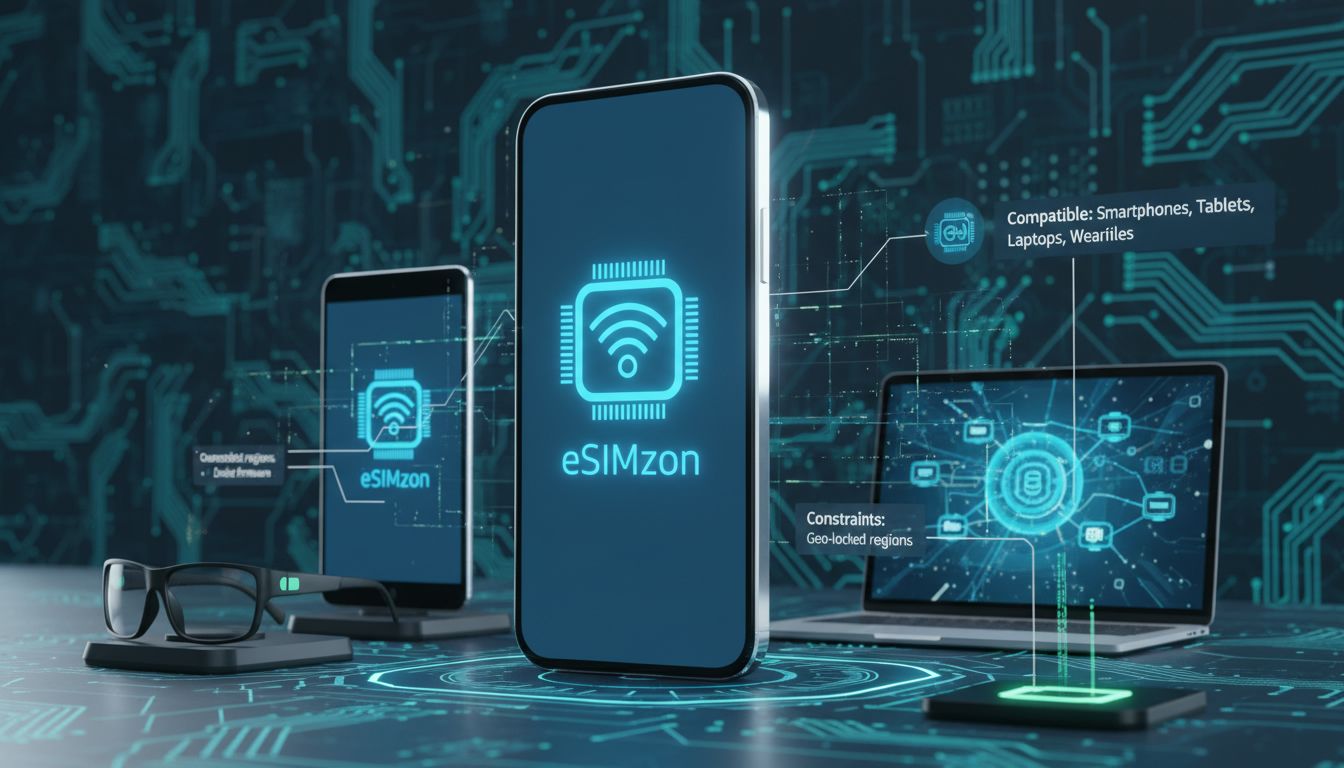
Which Devices Are Compatible With Esimzon eSIMs and What Technical Limits Apply?
If you’re exploring the possibility of switching to an eSIM service like Esimzon, the first question you’ll want answered is: which devices actually support Esimzon eSIMs? Understanding device compatibility and the technical constraints involved is crucial before committing to a new eSIM provider.
Esimzon offers instant eSIM activation for international travel with coverage in over 190 destinations, but not every phone or gadget can use their service seamlessly. I always start by checking device compatibility lists and understanding the technical requirements because the wrong device choice can lead to activation failures or limited functionality.
Devices That Support Esimzon eSIMs
Esimzon’s service primarily targets smartphones and tablets equipped with embedded SIM (eSIM) technology. The key factor is whether your device supports the GSMA’s remote SIM provisioning standard, specifically SGP.22, which governs how eSIM profiles are downloaded and managed remotely.
Smartphones Compatible With Esimzon
Most modern flagship smartphones from Apple, Samsung, Google, and other major brands support eSIM technology compatible with Esimzon. Here are some typical examples:
- Apple iPhones: Models from iPhone XS, XR, and later support dual SIM with one physical SIM and one eSIM. This includes iPhone 11, 12, 13, 14 series.
- Google Pixel Phones: Pixel 3 and newer models have native eSIM support.
- Samsung Galaxy Phones: Recent Galaxy S20, S21, S22 series and Fold/Flip models include eSIM capabilities.
- Other Brands: Devices like Microsoft Surface Duo and some recent Huawei models also support eSIM.
However, not all devices that claim “eSIM support” will work perfectly with every provider. The device must allow multiple profiles or switching between profiles without restrictions for full Esimzon functionality.
Tablets and Wearables
Some tablets such as the iPad Pro and iPad Air (2018 and later) come with eSIM support. Wearables like the Apple Watch Series 3 and later also use eSIMs but often require pairing with a compatible iPhone for activation.
Field Observation:
When a device only supports single-profile eSIMs (common in older models), users face a limitation where activating an Esimzon profile will overwrite any existing profile. This means you lose your original carrier connection until you restore it manually—a trap that causes connectivity loss during travel.
Technical Limitations of Using Esimzon eSIMs
Even if your device supports eSIM technology, there are technical constraints that affect how well Esimzon works on your device.
Network Compatibility and Profile Installation
Esimzon provides data-only plans that rely on local mobile networks worldwide. The device must be unlocked to accept foreign carrier profiles; locked devices often reject third-party eSIM activations.
The process involves scanning a QR code or using the Esimzon app to download the profile via GSMA’s remote SIM provisioning standard (SGP.22). Devices must have firmware updated to handle this standard properly.
Dual SIM Management
Many devices allow simultaneous use of a physical SIM and an eSIM profile. However, some older phones or software versions restrict data usage to one SIM at a time or disable voice calls on the secondary line.
This affects how you can use an Esimzon data package alongside your home carrier.
Data Plan Limitations
Esimzon’s plans are mostly data-only, meaning you cannot use them for voice calls or SMS unless your device supports VoLTE over data on the Esimzon network—which is rare. This limits the service to internet connectivity rather than full mobile service replacement.
Field Observation:
If you attempt to activate an Esimzon subscription on a device without proper GSMA-compliant firmware updates, the profile download may fail silently or cause errors during activation. The sign that it worked is instant connection without error messages after scanning the QR code or using the app.
How to Check If Your Device Is an Esimzon Compatible Device
Before purchasing an Esimzon plan or downloading their app, verify your device’s compatibility carefully:
- Check Manufacturer Specifications: Look for explicit mention of GSMA SGP.22 compliance or “eSIM support” in your phone’s official specs.
- Verify Carrier Lock Status: Ensure your phone is unlocked; locked phones often block third-party profiles.
- Update Your Device Software: Firmware updates often fix bugs related to eSIM provisioning; outdated software can block activation.
- Test With Another Known eSIM Provider: If possible, try activating a free or trial profile from another provider like Airalo or Holafly to confirm basic functionality.
- Consult Official Lists: Some manufacturers publish lists of supported carriers and compatible devices for their eSIM features.
I’d advise against buying an Esimzon plan before confirming these points because activation issues can be frustrating and sometimes require factory resets or carrier intervention to fix.
Using The Esimzon App and Activation Process on Compatible Devices
The Esimzon app simplifies managing your subscription and activating your data package without swapping physical SIM cards. It uses GSMA’s remote provisioning protocols to install profiles instantly.
Steps for Activation
- Download the Esimzon app from Google Play or Apple App Store.
- Purchase a data package within the app or on their website.
- Scan the QR code provided or let the app install the profile directly.
- Follow on-screen instructions to enable cellular data on the new profile.
- Switch between your physical SIM and Esimzon profile as needed in your device settings.
Common Pitfall During Activation
A common mistake is trying to activate multiple profiles simultaneously without proper dual-SIM management settings enabled in iOS or Android. This leads to network conflicts where neither profile connects properly.
Field Observation:
On iPhones running iOS 16 or later, if you don’t assign a default line for cellular data explicitly after installing an Esimzon profile, data traffic may default to your physical SIM line—negating your new plan until you manually switch it in settings.
Customer Support and Troubleshooting Device Issues With Esimzon
Esimzon offers customer support accessible through their website and app for activation help and troubleshooting connectivity problems related to device compatibility.
If you encounter issues such as failure to download profiles or no network after activation, check:
- Your device’s firmware version matches recommended levels.
- Your phone is unlocked.
- You have followed all steps in the official activation guide precisely.
For travelers heading to Egypt specifically, I recommend consulting detailed guides on local eSIM activation processes like those available at Egypt eSIM’s blog (Egypt eSIM Activation Guide) which explain nuances of using international providers including Esimzon in local contexts.
Pricing Transparency and How It Relates to Device Compatibility
While this article focuses on compatibility rather than pricing details, it’s worth noting that Esimzon offers competitive plans covering over 190 destinations worldwide with instant setup—ideal for frequent travelers who want flexibility without physical SIM swaps.
For price comparisons including discounts like their current promo code MYBESTSIM10 (offering 10% off unlimited plans), I recommend checking MyBestSim’s comprehensive comparison platform where Esimzon ranks among other top providers such as Orange Travel and Yesim.
By understanding which devices are truly compatible with Esimzon’s technology—and recognizing its technical limits—you can avoid common pitfalls that lead to failed activations or restricted service use. Always verify GSMA SGP.22 compliance, ensure your phone is unlocked with updated firmware, and manage dual-SIM settings carefully after installation for smooth operation of your new esimzon data package.
FAQ
Which smartphones are compatible with Esimzon eSIMs?
Esimzon supports most modern smartphones with eSIM technology, including Apple iPhones from XS and later, Google Pixel 3 and newer, Samsung Galaxy S20 series and above, and some Huawei and Microsoft Surface Duo models. Compatibility depends on GSMA SGP.22 compliance.
What technical limits affect Esimzon eSIM activation?
Activation requires an unlocked device with updated firmware supporting GSMA’s remote SIM provisioning standard. Older devices may only support single-profile eSIMs, causing profile overwrites, and some phones restrict dual SIM usage or VoLTE on the eSIM.
Can I use Esimzon eSIMs on tablets and wearables?
Yes, certain tablets like iPad Pro and iPad Air (2018+) support Esimzon eSIMs. Wearables such as Apple Watch Series 3 and later also use eSIMs but typically need pairing with a compatible iPhone for activation.
How do I verify if my device is Esimzon compatible?
Check your device specs for GSMA SGP.22 compliance and eSIM support, ensure it is carrier unlocked, update its firmware, and test with another eSIM provider if possible. Manufacturer compatibility lists can also help confirm support.
What common issues occur during Esimzon eSIM activation?
Common problems include failure to download profiles due to outdated firmware, locked devices blocking activation, and incorrect dual SIM settings causing network conflicts. Properly assigning the default data line after installation is crucial for smooth operation.

Omar Hassan
Omar is a travel-tech writer covering North Africa and the Middle East. At Egypt eSIM he tests Vodafone, Orange and Etisalat coverage from Cairo to the Red Sea.