Yoho Mobile Review Compatibility for Devices and Technical Limits
9/19/2026
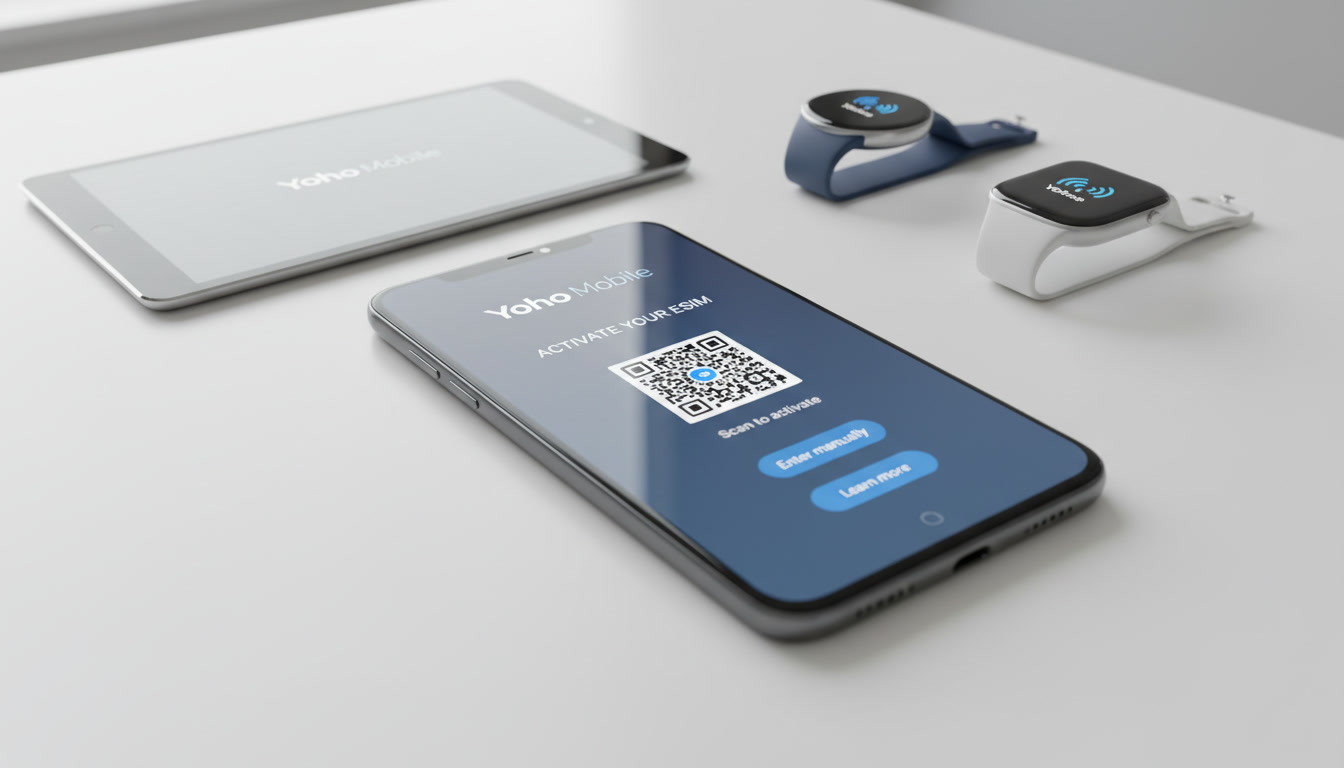
Yoho Mobile Review: Device Compatibility and Technical Limits of Their eSIM Service
Yoho Mobile offers an eSIM service that supports data connectivity in over 195 countries, making it an appealing choice for travelers and users seeking flexible international roaming options. But before switching your phone service provider, it’s crucial to understand which devices are compatible with Yoho Mobile’s eSIM and what technical limitations might affect your experience.
I always start by checking device compatibility because an unsupported device means you won’t benefit from the service no matter how attractive the pricing or coverage is.
Which Devices Support Yoho Mobile eSIM?
Yoho Mobile’s eSIM service is designed primarily for smartphones and tablets that support the GSMA standard for embedded SIM technology. This includes most recent models from major manufacturers:
- Apple iPhone models from iPhone XS and newer support eSIM, including dual-SIM functionality.
- Google Pixel phones from Pixel 3 onwards have native eSIM support.
- Samsung Galaxy S20 and later models also support eSIM, but with some regional variations.
- Select iPads with cellular capabilities are compatible as well.
However, not all devices that claim eSIM support work seamlessly with Yoho Mobile. The key technical limitation lies in the device’s firmware and carrier profile acceptance.
For example, some Samsung models locked to specific carriers may reject third-party eSIM profiles like Yoho Mobile’s. I’d advise against assuming all eSIM-capable devices will work without checking manufacturer or carrier restrictions first.
Technical Limitations Affecting Compatibility
Firmware and Carrier Profile Restrictions
A common trap when activating Yoho Mobile’s eSIM is encountering a device that technically supports eSIM but refuses to install or activate the profile due to locked firmware or carrier restrictions. This happens because:
- Some devices have carrier-locked firmware that only accepts eSIM profiles from the original carrier.
- The eSIM profile installation process requires compliance with GSMA specification SGP.22, which governs remote provisioning. If a device’s firmware doesn’t fully implement SGP.22, activation can fail.
The consequence is that even if your phone lists eSIM as a feature, you might not be able to use Yoho Mobile unless you unlock your device or use a compatible unlocked model.
Network Bands and Coverage Compatibility
Yoho Mobile relies on local mobile networks worldwide through roaming agreements. While their coverage area spans over 195 countries, the actual network speed and availability depend on your device supporting the necessary frequency bands:
- For example, in Japan or Europe, LTE Band 3 (1800 MHz) and Band 7 (2600 MHz) are common.
- In the US, Band 12 (700 MHz) and Band 66 (AWS) are critical for LTE coverage.
If your device lacks support for these bands, you may experience slower speeds or no connection at all despite having an active Yoho Mobile data plan. This is a technical limitation rooted in hardware radio capabilities rather than the SIM itself.
How Yoho Mobile Plans Work With Different Devices
Yoho Mobile offers various plans tailored for international travelers, including unlimited data options in some countries. The plans are delivered via an app that manages your eSIM profiles, making activation straightforward on supported devices.
| Feature | Details |
|---|---|
| Coverage | 195+ countries |
| Data Plans | From daily passes to unlimited monthly |
| Activation Method | Instant via Yoho Mobile app |
| Compatible Devices | iPhone XS+, Pixel 3+, Samsung S20+ (unlocked) |
| Network Types Supported | 4G LTE / 5G where available |
The activation process requires scanning a QR code or downloading a profile through the app, which then configures your device’s embedded SIM slot. However, if your device does not allow multiple active SIM profiles or has limited dual-SIM functionality, you may need to disable your physical SIM temporarily.
Field Observations on Device Compatibility
-
Condition: Using a carrier-locked Samsung Galaxy S21 ->
Mechanism: Firmware rejects third-party eSIM profiles ->
Consequence: Activation fails despite correct QR code scanning. -
Condition: Attempting to use Yoho Mobile on an older iPhone XR ->
Mechanism: iPhone XR supports physical SIM only; no embedded SIM ->
Consequence: No compatibility; user must rely on physical SIM cards instead. -
Condition: Traveling in Egypt with a Pixel 5 using Yoho Mobile ->
Mechanism: Device supports LTE bands used by local carriers; app installs profile smoothly ->
Consequence: Reliable connection with acceptable network speed for browsing and streaming.
Customer Experience: Network Speed and Service Quality Across Devices
While Yoho Mobile provides broad coverage, the network speed varies depending on the local partner networks and your device’s capabilities:
- Users report that while Yoho Mobile is not the fastest connection available—especially compared to local physical SIMs—it offers consistent speeds suitable for general browsing and social media.
- The network speed depends heavily on whether your device supports 4G LTE or 5G bands used locally.
- Customer service is accessible via the app but can be slow during peak times; this is typical for virtual operators relying on third-party infrastructure.
The user experience also hinges on how well your device handles multiple SIM profiles simultaneously. Devices with dual-SIM dual-standby (DSDS) technology allow seamless switching between physical SIMs and Yoho Mobile’s eSIM without dropping calls or data sessions.
Common Pitfalls When Using Yoho Mobile eSIM
Overlooking Device Lock Status
Many users overlook whether their phone is carrier-unlocked before purchasing a Yoho Mobile plan. A locked phone often cannot install third-party eSIMs due to firmware restrictions.
This leads to frustration when activation fails despite following all instructions correctly.
Ignoring Network Band Support
Another frequent mistake is assuming any smartphone will get full coverage globally with Yoho Mobile. Without checking if your phone supports the specific LTE/5G bands used by local carriers in your destination country, you risk poor connectivity or no service at all.
Mismanaging Dual-SIM Settings
On devices supporting dual SIMs, improper configuration of default data SIM settings can cause unexpected data charges on your physical SIM or dropped connections when switching between networks.
How to Verify Your Device Compatibility Before Switching
- Check if your phone model supports embedded SIM technology compliant with GSMA SGP.22.
- Confirm that your device is unlocked from any carrier restrictions.
- Verify supported LTE/5G bands against those used by local networks in your travel destinations.
- Test installing any third-party eSIM profile if possible before committing to a plan.
- Read user reports specific to your phone model regarding experiences with Yoho Mobile or similar virtual operators.
For travelers heading to Egypt or nearby regions, understanding these compatibility factors is crucial for uninterrupted connectivity. I recommend consulting detailed guides like this Egypt eSIM guide which explain how to choose compatible devices and plans tailored for Egypt’s network environment.
Summary of Key Technical Considerations for Yoho Mobile Users
- GSMA specification SGP.22 compliance ensures remote provisioning works but depends on device firmware.
- Carrier locks prevent installation of third-party eSIM profiles on many branded phones.
- Hardware band support dictates actual network coverage quality beyond just having an active plan.
- Dual-SIM management requires attention to avoid unintended roaming charges or dropped connections.
Understanding these technical limits helps avoid costly mistakes when switching providers or traveling internationally with an eSIM like Yoho Mobile’s.
Yoho Mobile's ease of use and wide coverage make it an attractive option for many users seeking international data plans without swapping physical SIM cards constantly. However, I always emphasize verifying device compatibility first because even the best plan won’t work if your phone rejects the profile or lacks necessary network bands.
For those exploring alternatives beyond their current expensive plans, comparing offers through platforms like MyBestSim can help find competitive pricing and verified user ratings tailored to specific destinations and devices.
If you want deeper insights into how eSIM technology works in Egypt specifically, including which providers offer the best value for travelers there, this best eSIM Egypt article provides a thorough breakdown based on real-world testing across Vodafone, Orange, Etisalat (e&), and WE networks.
FAQ
Which devices are compatible with Yoho Mobile eSIM?
Yoho Mobile eSIM supports recent smartphones like iPhone XS and newer, Google Pixel 3 and above, Samsung Galaxy S20 and later (unlocked), and select cellular iPads. Compatibility depends on device firmware and carrier restrictions, so checking your specific model is essential before activation.
Why might my device reject Yoho Mobile eSIM activation?
Devices with carrier-locked firmware often refuse third-party eSIM profiles like Yoho Mobile’s. Additionally, if the device firmware doesn’t fully support GSMA’s SGP.22 specification for remote provisioning, the eSIM profile installation can fail, preventing activation.
How do network bands affect Yoho Mobile service quality?
Yoho Mobile relies on local networks worldwide, so your device must support the LTE/5G bands used in your destination. Without compatible bands, you may experience slow speeds or no connection despite having an active plan, as coverage depends on hardware radio capabilities.
Can I use Yoho Mobile eSIM alongside a physical SIM card?
Yes, on devices with dual-SIM dual-standby (DSDS) technology, you can use Yoho Mobile’s eSIM alongside a physical SIM. However, proper configuration is necessary to avoid dropped connections or unintended data charges when switching between SIMs.
How can I verify my device compatibility before buying Yoho Mobile?
Check if your phone supports GSMA SGP.22 compliant eSIM technology, confirm it’s carrier-unlocked, verify supported LTE/5G bands for your travel destinations, and test installing third-party eSIM profiles if possible. Reading user reports for your model also helps ensure compatibility.

Omar Hassan
Omar is a travel-tech writer covering North Africa and the Middle East. At Egypt eSIM he tests Vodafone, Orange and Etisalat coverage from Cairo to the Red Sea.